
Introduction
Giving a child more freedom can feel exciting and a little scary at the same time. One day they are holding your hand on the way to school. Then, somehow, they are asking to walk to a friend’s house, join more after school activities, or go on weekend trips with kids from another family. Time flies, right?
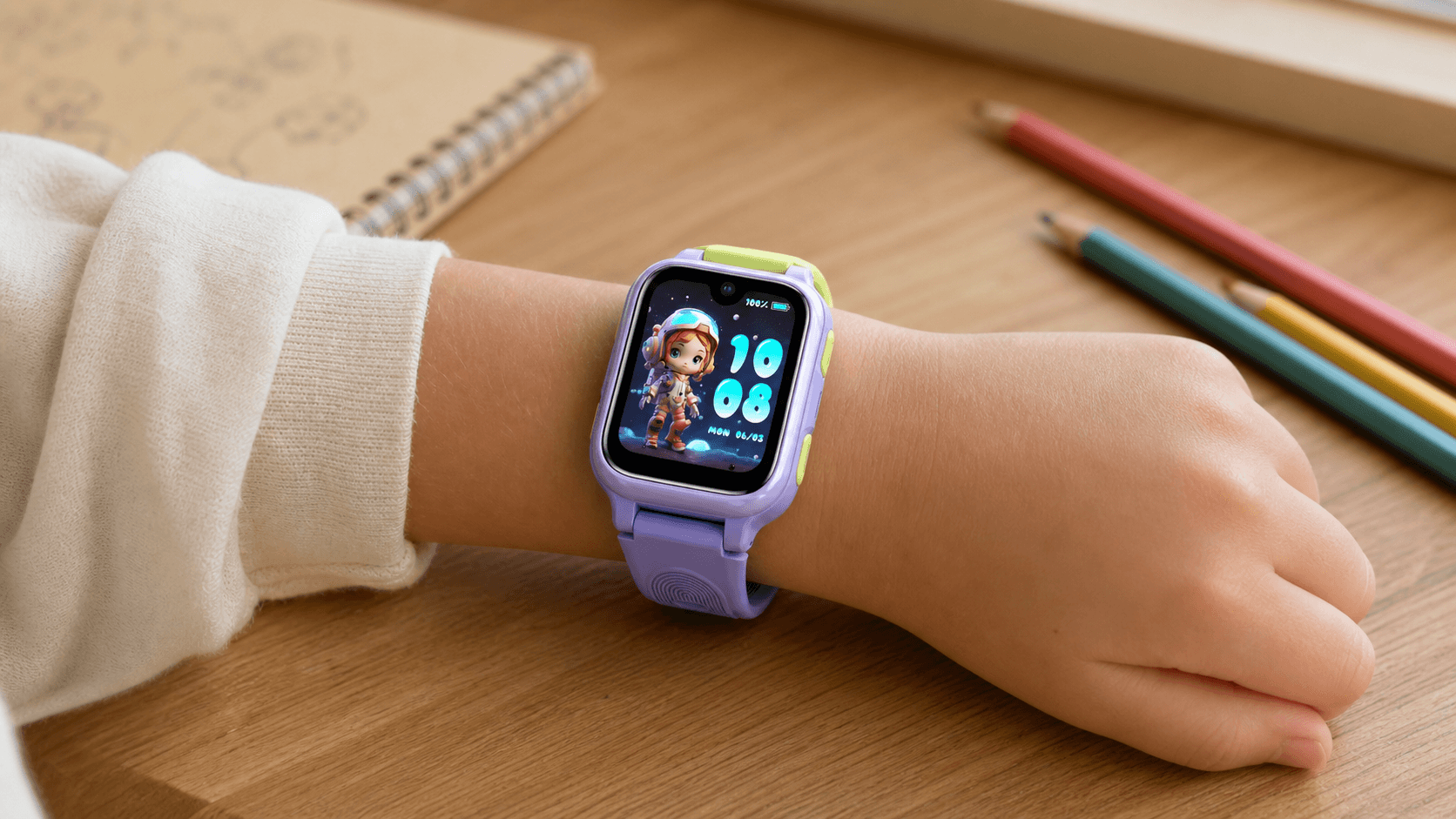
That is where a kids smartwatch with parental controls can be helpful. It gives children a simple way to stay connected, while giving parents tools to manage who they can contact, where they are, and when the watch should stay quiet.
For many families, a kids smartwatch is a smart middle step before a phone. It is not as open as a smartphone. It does not need to pull children into endless apps, social feeds, and screen time. Instead, it focuses on what parents usually care about most: safety, communication, location, and healthy limits.
This guide explains the main parental control functions parents should understand before choosing a children’s smartwatch. We will cover contact management, location features, classroom mode, usage restrictions, travel use, and everyday family routines.
1. Why Parents Choose a Kids Smartwatch Before a Phone
A smartphone gives children access to a lot. Sometimes too much. Messages, social media, games, web browsing, group chats, and app downloads can become hard to manage, especially for younger kids.
A kids smartwatch is different. It is built around simpler needs.
Most parents do not want their child to be online all day. They just want to know:
- Can my child call me when needed?
- Can I see where they are?
- Can I limit distractions during school?
- Can I control who contacts them?
- Can the watch help in an urgent moment?
That is why a smartwatch can make sense for school days, playground time, family outings, sports practice, and short trips. It gives kids a bit of independence, without handing them a full phone too early.
For brands like Lagenio, this balance matters. A children’s smartwatch should not feel like a toy with too many distractions. It should feel like a family safety tool that children can actually wear and use.
2. Contact Management: Keep Communication Inside a Trusted Circle
Contact management is one of the most important parental control features. Children do not need open access to every number. They need a trusted contact list.
With contact management, parents can usually add approved family members, such as:
- Mom and dad
- Grandparents
- Older siblings
- Close relatives
- Trusted caregivers
- Emergency contacts
This helps create a safer communication circle. Your child can reach the people who matter, and random numbers are kept away.
Why Contact Control Matters
Children may not always know whether a call or message is safe. They may answer unknown numbers out of curiosity. They may also share information without thinking much about it. Hey, they are kids.
A parent-managed contact list lowers that risk. Instead of letting the child decide who can call, parents set the rules first.
This is useful for everyday life, especially when your child is:
- Walking home from school
- Staying with grandparents
- Joining after school activities
- Playing outside with friends
- Going to sports practice
- Taking part in a school event
Contact control also makes the watch easier for children to use. They do not need to scroll through dozens of names. The list stays simple and clear.
What Parents Should Look For
When choosing a smartwatch, check whether the parent app allows you to:
- Add and remove contacts.
- Set family members as approved contacts.
- Manage who can call the watch.
- Manage who the child can call.
- Update contacts when routines change.
A good setup should be easy. Parents should not need a tech degree to add grandma’s number.

3. Location Features: Know Where Your Child Is When It Matters
Location tracking is one of the biggest reasons parents search for a smartwatch for kids. It can help parents feel more relaxed when children start doing more things on their own.
Location features are useful during normal family routines, not just emergencies. For example, you may want to check whether your child arrived at school, reached the playground, or got to an activity center.
Everyday Location Use
A kids smartwatch with location support can help during:
- School drop-off and pick-up
- Walks to nearby places
- Weekend trips with kids
- Theme park visits
- Family vacations
- Outdoor play
- After school activities
- Visits to relatives
Of course, location tools are not magic. Accuracy can depend on GPS signal, mobile network coverage, buildings, weather, and whether the child is indoors or outdoors. Still, used the right way, location support gives parents a helpful extra layer of awareness.
Safe Zones and Place Alerts
Some smartwatches offer safe zone or geofence features. Parents can set an area, such as school, home, or a sports center. When the child enters or leaves that area, the parent may receive an alert.
This can be especially helpful for busy days. Let’s say your child has school, then football practice, then a ride home with another parent. Instead of calling again and again, you can use location alerts to stay informed.
Safe zones are not about watching every step. They are about reducing worry during key moments.
Talking to Kids About Location
It is a good idea to explain location features to your child in a calm way. Keep it simple.
“This helps me know you got to the right place safely. It is not because I do not trust you.”
That small conversation matters. Children are more likely to accept the watch when they understand its purpose.
4. SOS Features: A Simple Button for Urgent Moments
Many children’s smartwatches include an SOS feature. This is usually a button or screen action that lets the child contact parents or emergency contacts quickly.
For younger kids, this can be easier than unlocking a phone, finding the right app, and typing a message.
When SOS Can Help
The SOS function may be useful if a child:
- Feels lost
- Cannot find the parent in a crowded place
- Misses the school bus
- Feels unsafe
- Needs quick help during outdoor play
- Gets separated during a trip
The key benefit is speed. In stressful moments, children may freeze or panic. A simple action is easier to remember.
Teach, Do Not Scare
Parents should show kids how to use SOS without making them afraid. Try a short practice session at home.
“This button is only for important moments when you need help fast. Let’s practice once so you know how it works.”
Clear rules are important. Children should know that SOS is not for jokes, games, or testing during class.

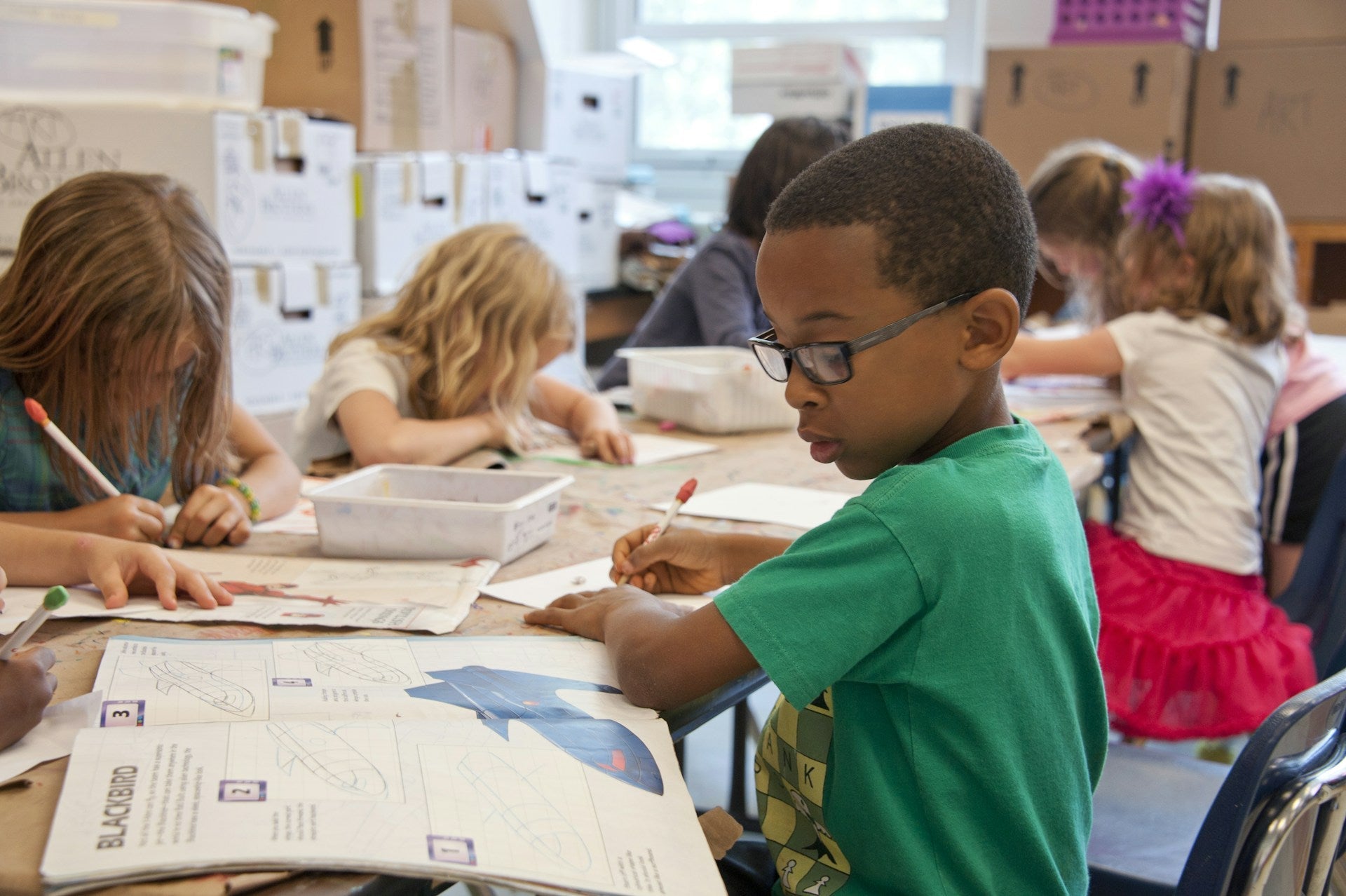
5. Classroom Mode: Less Distraction During School Hours
Classroom mode, also called school mode, is another key parental control feature. It helps limit watch use during class time.
A smartwatch can be helpful, but it should not become a distraction. During lessons, children need to focus. Teachers do not want watches ringing, buzzing, or lighting up every few minutes. Fair enough.
How Classroom Mode Works
Depending on the smartwatch and app, classroom mode may limit features during selected times. Parents may be able to set quiet periods for school hours, homework time, or bedtime.
During these periods, the watch may restrict:
- Calls
- Games
- Notifications
- Non-urgent functions
- Watch interaction
Some essential features, such as SOS or emergency calling, may still remain available. This depends on the model and settings.
Best Times to Use Classroom Mode
Parents can set classroom mode for:
- School hours
- Tutoring sessions
- Homework blocks
- Reading time
- Bedtime routines
- Family meals
This feature is not only for school. It can help build better screen habits at home too.
Why It Helps Parents and Teachers
Classroom mode shows that the watch is not just another gadget. It is designed to fit into real life.
For parents, it adds control. For teachers, it reduces classroom disruption. For children, it creates clear boundaries.
That is the sweet spot.
6. Usage Restrictions: Build Healthy Digital Habits Early
Usage restrictions help parents decide when and how the watch can be used. This is important because even simple devices can become distracting if there are no limits.
A smartwatch should support a child’s routine, not take over the day.
Common Usage Controls
Depending on the watch, parents may be able to manage:
- Call access
- Notification times
- Screen time periods
- School mode schedules
- Contact permissions
The goal is not to control every second. The goal is to guide healthy habits.
Keep Rules Simple
Kids respond better to clear rules. Complicated rules can turn into daily arguments.
Try rules like:
- No playing with the watch during class.
- Use calls for important things.
- Keep the watch charged before school.
- Ask before adding or changing contacts.
- Use SOS only when help is needed.
Simple rules are easier to follow. And honestly, easier for parents to enforce.
7. A Kids Smartwatch With Parental Controls for After School Activities
After school hours can get messy. One child has swimming. Another has piano. Someone forgot their bag. Pick-up time changes. A coach sends kids out early. Yep, real family life.
A kids smartwatch with parental controls can be especially useful during after school activities because it keeps communication direct and simple.
Helpful After-School Scenarios
A smartwatch can help when your child needs to:
- Call you after practice
- Tell you an activity ended early
- Let you know they arrived
- Contact a trusted adult
- Ask for help if plans change
- Stay reachable without carrying a phone
For children who are not ready for a phone, this can be a practical solution. They can still stay connected, but parents keep the controls.
Why It Works Better Than “Borrow Someone’s Phone”
Many kids rely on teachers, coaches, or friends’ parents when they need to call home. That works sometimes, but not always.
A smartwatch gives the child their own direct line to approved contacts. No need to borrow. No need to remember phone numbers. No awkward waiting around.
8. Weekend Trips With Kids: Why a Smartwatch Can Be Useful
Weekend trips with kids are fun, but they can also be chaotic. Parks, museums, shopping centers, airports, train stations, and theme parks all come with crowds and distractions.
A children’s smartwatch can help parents stay connected during these moments.
Useful Travel Features
For short trips and family outings, look for features such as:
- Location support
- SOS calling
- Approved contacts
- Long battery life
- Comfortable strap
- Simple calling
- Safe zone alerts
- School or quiet mode for downtime
A smartwatch is also easy for kids to wear. Unlike a phone, it is harder to leave on a restaurant table or drop in a car seat.
Things to Bring on a Trip With a Kids Smartwatch
When planning things to bring on a trip, do not forget the watch setup. A little prep can save stress later.
Pack or check:
- The smartwatch charger
- A working SIM or active plan
- Parent app login access
- Emergency contacts
- Battery level before leaving
- Watch strap fit
- Location permissions
- Roaming or coverage details if traveling far
Before a full-day trip, charge the watch the night before. Tiny detail, big difference.
9. Why Lagenio Fits Family Safety Needs
Lagenio focuses on children’s smartwatches made for communication, safety, and daily family use. For parents, the value is not just in the watch itself. It is in how the watch fits into school days, family outings, and growing independence.
A good children’s smartwatch should help kids feel more confident. It should help parents feel more connected. And it should do both without giving children too much screen access too soon.
That is why parental controls are not a small detail. They are the heart of the product.
FAQs
What is the main benefit of a kids smartwatch with parental controls?
The main benefit is safer independence. Children can call approved contacts, share location, and use emergency features, while parents manage contacts, school mode, and usage limits.
Can a kids smartwatch replace a phone?
For many younger children, yes. It can work as a simple phone alternative for calling, location support, and emergency contact. It does not replace every smartphone feature, but that is often the point.
What is classroom mode on a kids smartwatch?
Classroom mode limits watch use during selected times, such as school hours. It can reduce distractions by restricting calls, games, alerts, or non-urgent features.
Should kids wear smartwatches during weekend trips?
Yes, they can be helpful during weekend trips with kids, especially in crowded places. A smartwatch can help children contact parents quickly and make it easier for parents to stay aware of their location.
What should parents set up first?
Start with approved contacts, emergency contacts, location permissions, SOS settings, and classroom mode. After that, explain the rules to your child in a calm and simple way.
Conclusion
A children’s smartwatch is not just about cool tech. It is about giving kids a safer way to grow more independent, one small step at a time.
With contact management, parents can control who reaches their child. With location tools, they can stay aware during school, play, trips, and after school activities. With classroom mode, they can reduce distractions. With usage restrictions, they can help children build better habits early.
That is what makes a kids smartwatch with parental controls so useful for modern families. It gives children freedom, but not too much. It gives parents peace of mind, but not in a heavy-handed way.
For everyday routines, busy weekends, and those “where are you now?” moments, a well-designed smartwatch can be a small device that solves a big family problem.
Share:
What Moms Really Want on Mother’s Day: Less Worry, More Connection
Children’s Day Gift Ideas for Kids: Smart, Safe, and Practical Choices